
Documentation Index
Fetch the complete documentation index at: https://nativecn.mintlify.app/llms.txt
Use this file to discover all available pages before exploring further.
Overview
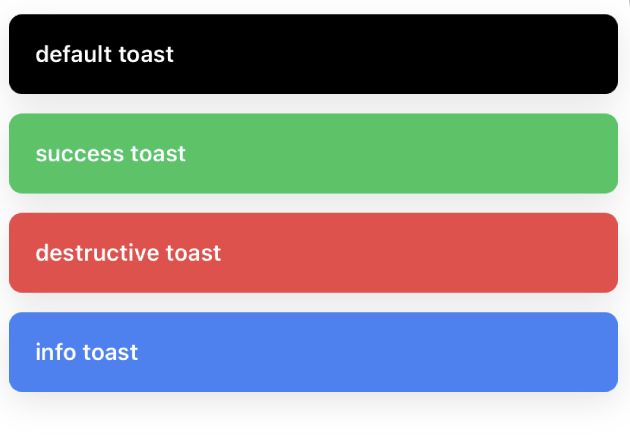
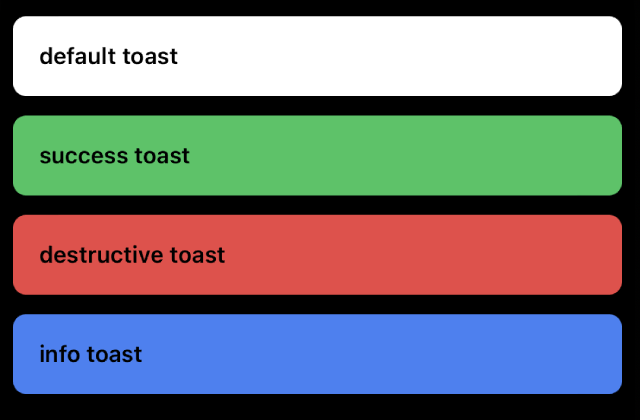
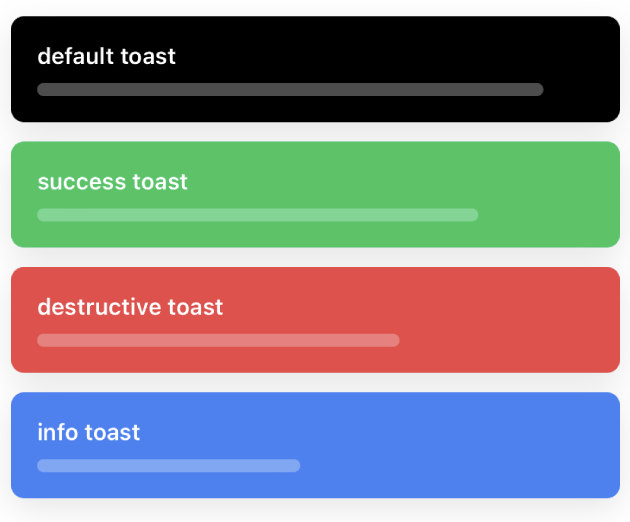
Toast is a React Native component designed to provide quick feedback in the form of a temporary, dismissible message. It can be customized based on various variants such as default, success, destructive, and info.
Preview

Light Mode

Dark Mode

Light Mode (with progress)
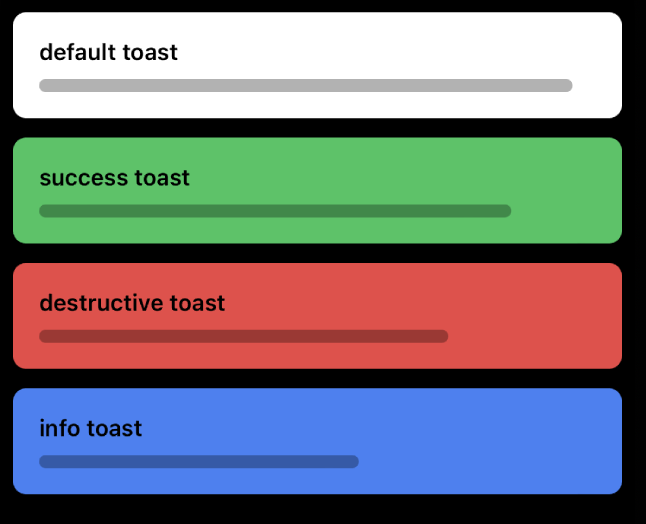
Dark Mode (with progress)
import { ToastProvider, ToastVariant, useToast } from './components/Toast';
function DemoToast() {
const { toast } = useToast();
return (
<Button
label="Show Default Toast"
onPress={() => {
toast('This is a default toast');
}}
/>
);
}
// ...
<ToastProvider position="top">
<DemoToast />
</ToastProvider>;
Installation
npx nativecn-ui add Toast
Second Step
Update the import paths to match your project setup.
Third Step
Wrap your main component, or the part of your app where you want to use the toast, with the ToastProvider
Fourth Step
Import and use the useToast hook to get access to the toast function
Usage
Basic usage
import { ToastProvider, ToastVariant, useToast } from './components/Toast';
function DemoToast() {
const { toast } = useToast();
return (
<Button
label="Show Default Toast"
onPress={() => {
toast('This is a default toast');
}}
/>
);
}
<ToastProvider position="top">
<DemoToast />
</ToastProvider>;
Custom Usage
// with variant, duration
toast('This is a success toast', 'success', 4000);
// with variant, duration, showProgress
toast('This is a success toast', 'success', 4000, true);